
Website Technical Audit: 8 Warning Signs That Quietly Cost You
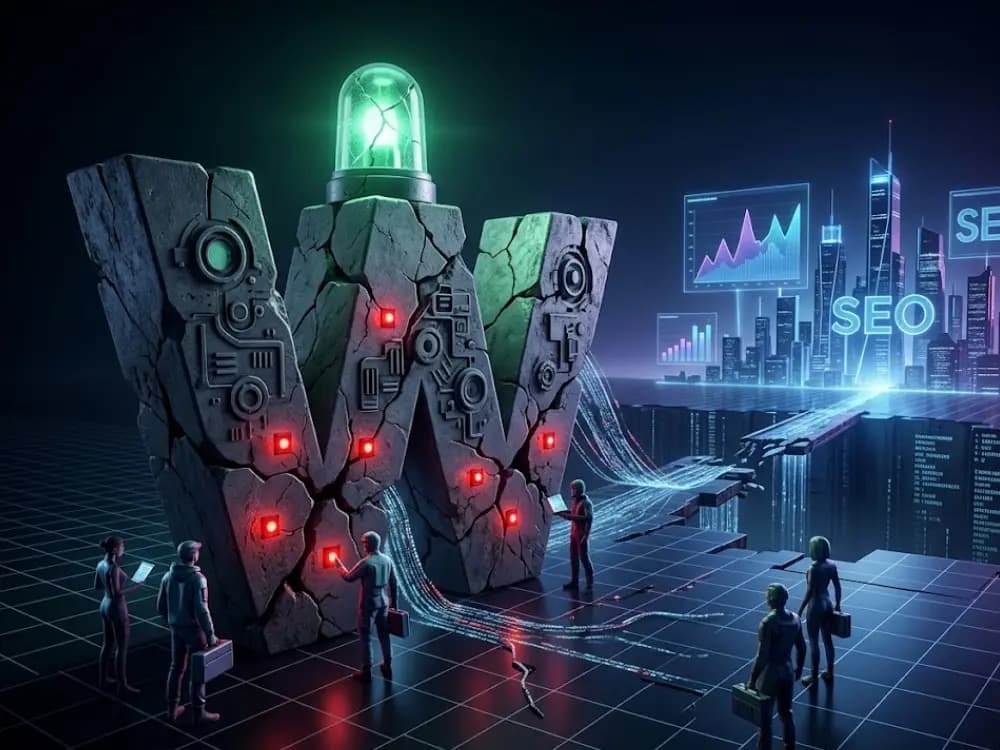
Quick answer. A web technical audit in 2026 must watch for 8 critical warning signs: forms that quietly lose leads, degraded Core Web Vitals, missing schema.org, forgotten 301 redirects, secrets exposed in the code, no uptime monitoring, untested backups, and dependencies with CVE vulnerabilities. Each one can cost from a few hundred to several tens of thousands of euros a year, with no visible signal.
Why a green Lighthouse is not a healthy site
Lighthouse measures 4 categories: performance, accessibility, best practices, SEO. It is useful, but it is a snapshot at one moment, on a simulated journey, from a Google machine.
A site can show 95/100 on Lighthouse and:
- Lose 30% of its form leads without anyone noticing
- Be unreachable 6 hours a month with no alert
- See its key pages gradually disappear from Google after a redesign
- Store user passwords in plain text in the database
A serious technical audit goes beyond Lighthouse. Here are the 8 warning signs we flag most often at FreshMarkom, ranked by frequency across the last 50 audits carried out in 2025 and 2026.
Sign 1: the contact form quietly loses leads
Observed frequency: 1 audit in 3.
The typical scenario: a visitor fills in your form, clicks "Send", sees a confirmation message. But the email never goes out. On your side, silence. On theirs, they think you are ignoring them.
Common causes:
- Sending API (SendGrid, Mailgun, Resend) over quota with no alert
- Sending domain not SPF/DKIM verified, emails land in spam
- A platform migration that broke the webhook
- A capture plugin that was never reconnected to Mailchimp/HubSpot
Hidden cost. For an SME that receives 30 leads a month with an average basket of 5,000€ and a 20% conversion rate, losing half the leads for 3 months represents 45,000€ of lost revenue.
Detection in 2 min. Submit your own form with a test address. If the email does not arrive, or if it lands in Gmail "Promotions", you have a problem.
Sign 2: degraded Core Web Vitals that nobody sees
Observed frequency: 1 audit in 2.
Your Core Web Vitals (LCP, INP, CLS) influence your Google ranking. Yet most sites measure these metrics in lab (Lighthouse), not in field (real users).
A site can have an LCP of 1.2s on Lighthouse and an LCP of 3.8s for 75% of real mobile users, because of 4G, real content and third-party ads.
Hidden cost. A 2024 Google study shows that an LCP degradation from 1s to 2.5s leads to a conversion drop of 7 to 15% depending on the sector. For an e-commerce doing 100,000€/month, that is 7,000€ to 15,000€ of monthly lost earnings.
Detection in 5 min. Go to PageSpeed Insights, enter your URL, and look at the "Chrome User Experience Report data" section. That is the field measurement, not the lab.
Sign 3: missing or broken schema.org, your site invisible to AIs
Observed frequency: 4 audits in 5.
schema.org structured data lets Google display your rich snippets (stars, prices, expandable FAQs) and, above all, lets conversational AIs (ChatGPT, Claude, Perplexity, Gemini) cite you as a source.
In 2026, GEO (Generative Engine Optimization) carries as much weight as classic SEO. A site with no Article schema, no BreadcrumbList, no FAQPage, no Organization, is simply cited less by AIs.
Hidden cost. Hard to quantify directly, but traffic from conversational AIs grew by 280% between 2024 and 2026 (source: Similarweb Q1 2026). Missing this traffic source today means giving up the organic growth of the next 5 years.
Detection in 2 min. Go to Schema Markup Validator, enter your URL, and check that you have at least: Organization, WebSite, BreadcrumbList on every page, and Article on your blog posts.
Sign 4: forgotten 301 redirects after a redesign
Observed frequency: 9 redesigns in 10.
When you redesign your site, your URLs often change (new structure, new slugs). Without 301 redirects from the old URL to the new one, Google considers the old pages deleted (404) and you lose all your SEO history.
The classic case: a site doing 50,000 SEO visits a month redesigns, forgets the 301s, and drops to 18,000 visits a month 3 months later. The loss takes 6 to 12 months to recover.
Hidden cost. For a site where 30% of traffic comes from SEO, losing 60% of that traffic for 6 months is the equivalent of 6 months of Google Ads campaigns to set up to compensate. For an SME, that is easily 15,000€ to 50,000€ in emergency spending.
Detection in 10 min. Get your old sitemap.xml (Wayback Machine or historic Google Search Console), check each URL: it must return 200 (existing page) or 301 (redirect). No 404 acceptable on your ranking pages.
Sign 5: secrets in the source code
Observed frequency: 1 audit in 4.
Stripe API keys, Resend tokens, Supabase credentials, DB password. All of this must live in server-side environment variables, never committed to Git, never exposed client-side.
Typical leaks:
- An API key in a
.envfile pushed to public GitHub - A Stripe secret_key used on the React side (instead of the publishable_key)
- A Supabase service role exposed in the JavaScript bundle
Hidden cost. Variable but it can be catastrophic. An exposed Stripe secret key can be used for fraudulent transactions (direct loss + Stripe fees + chargebacks). An exposed Supabase service role gives full access to your database.
Detection in 5 min. Open Chrome DevTools on your site, Sources tab, search the JS bundle for the strings: sk_, service_role, secret, api_key. If you find any client-side, red alert.
Sign 6: no uptime monitoring
Observed frequency: 2 audits in 3.
Your host goes down. Your SSL expires. Your DB crashes. For 4 hours, your site is unreachable. You find out because a client calls you.
Without uptime monitoring (UptimeRobot, BetterStack, Pingdom), you live in the dark.
Hidden cost. For an e-commerce doing 1,000€/day in revenue, 4 hours of undetected downtime = 165€ lost. Over the year, at 1 undetected downtime a month, that is 2,000€ minimum. Plus the reputation damage.
Detection in 30 sec. Ask yourself: "If my site goes down right now, how do I know?" If the answer is "a client will email me", you have no monitoring.
Sign 7: the backups nobody has ever tested
Observed frequency: 4 audits in 5.
You have automatic backups. You pay 15€/month for them to your host. But you have never tested a restore. The day your site is hacked or your database corrupted, you find out the backups are incomplete, unreadable, or stored on the same server as production.
Hidden cost. A loss of customer data (orders, history, content) can mean weeks of manual recovery, or even the impossibility of continuing operations. For a B2B SaaS, that is usually the end.
Detection in 1h. Run a test restore: take the latest backup, deploy it on a staging environment, check that everything works. If you cannot, your backups are worthless.
Sign 8: dependencies with unpatched CVE vulnerabilities
Observed frequency: 1 audit in 2.
Your site relies on third-party dependencies: Node libraries, WordPress plugins, PHP packages. Some have known vulnerabilities listed in the CVE database. Without active monitoring, you accumulate security debt.
Recent examples:
- WordPress with an unupdated Elementor plugin (CVE-2024-32115, RCE)
- Next.js < 14.2.10 (CVE-2024-46982, Cache poisoning)
- Lodash < 4.17.21 (CVE-2021-23337, Command injection)
Hidden cost. An exploited vulnerability can lead to defacement, SEO spam injection (Japanese Keyword Hack), data theft, or the use of your server to host illegal content. Recovery usually costs 5,000€ to 20,000€ and several weeks.
Detection in 2 min. Run npm audit on your Next.js/Node project, or use a service like Snyk to scan. For WordPress, the Wordfence plugin scans automatically.
How to audit your site in under 2 hours
Here is the condensed checklist:
- Submit your contact form with a test address, check the email received
- PageSpeed Insights field data, LCP, INP, CLS on mobile
- Schema Markup Validator, schemas present and valid
- Crawl with Screaming Frog or Sitebulb, spot the 404s and broken redirects
- DevTools, search for secrets in the JS bundle
- Set up free UptimeRobot in 10 min
- Test a backup restore on staging
- npm audit or Wordfence scan
If you tick all 8 with no warning, your site is in the top 5% of technically healthy sites.
FAQ
A web technical audit is a structured analysis of a website to detect hidden flaws in performance, SEO, security, accessibility and conversion. It goes beyond automated tools like Lighthouse and combines tool analysis with human expertise.
A full agency audit costs between 800€ for a simple showcase site and 4,500€ for a complex e-commerce or SaaS site. Budget 1,500€ to 2,500€ for a standard audit on an SME site.
Once a year for a stable site, once a quarter for an actively evolving site, after every major redesign, and after any security or performance incident.
No. Lighthouse measures technical aspects in lab, on a simulated journey. It does not detect lead leaks, monitoring problems, plugin security flaws, or schema quality for GEO.
Both. Before the redesign to map the existing setup (URLs, schemas, data). After, to check the migration, the redirects, and the new Core Web Vitals.
For a quick first diagnosis, yes. For a serious business decision, no. Free audits miss 60% of the critical warning signs a human audit flags.
In summary
A site with a green Lighthouse can still lose tens of thousands of euros a year to invisible flaws: broken forms, missing monitoring, missing schemas, untested backups, vulnerable dependencies.
The 8 signs listed are the ones we flag most often during our audits. You can check them yourself in 2 hours with the method above. Or ask us for a full audit, delivered within 5 business days with an actionable report.
The cost of an audit is always lower than the cost of the problems it prevents.